
How to Kick in Custom Keyboards
The roll that feeds every keycap, mutation, and trade on your 4-player plot.
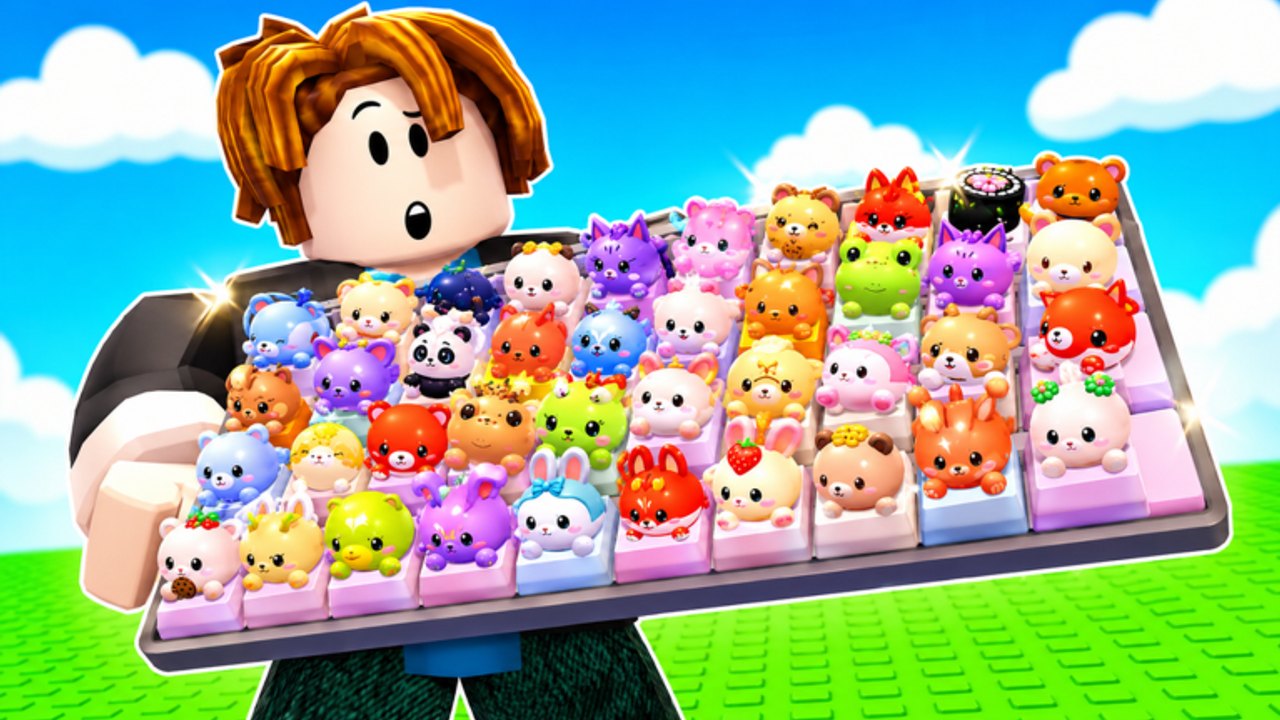
Kicking is the core verb in Custom Keyboards. You are not climbing a tower. You are not painting keys. You walk up to your keyboard on the plot and kick it so the game rolls a keycap. Kick Power is the stat that makes that roll more valuable. Train speed and the upgrade station sit next to Kick Power as the other ways to make kicks happen more often or pay better. This page is only about that roll. Placement, trading, and rebirth have their own guides.
If you have not filled a starter board yet, read Getting Started first. If your kicks already feel cheap, stay here.
What a kick actually does
A kick spends the keyboard’s current Kick Power to produce a roll. The roll becomes a keycap you can place, sell, or trade. The developers have not published a drop table. This wiki will not invent one. What you can control is:
- How hard the kick is (Kick Power / better keyboards).
- How often you can kick (train speed, animation downtime, UI blocking you).
- Whether you have a slot ready so the roll is not wasted in a clogged inventory.
- Whether you are in a trade window, safe-zone menu, or Boba claim that eats the input.
Kick, then look at the HUD. If a cap appeared, place or sell it before you mash kick again. Rapid kicks into a full board just create a pile you will auto-sell badly later.
Kick Power versus spam
New players spam the kick because the animation is satisfying. That is a trap. Ten weak kicks that roll junk cost more time than two stronger kicks after a keyboard upgrade. Buy Kick Power (or the next keyboard that raises it) before you buy skin plots. Keyboard tiers ranks that purchase. Upgrade priority puts it at the top of the spend list.
Train speed is the other lever. If the HUD offers a train-keyboard action, it is there to shorten the wait between useful kicks. Buy it when Kick Power is no longer the bottleneck. If you can already roll faster than you can place and step, train speed is wasted. Place and sell first.
The upgrade station is a third lever. Use it when the prompt is a clear multiplier to kick or income. Ignore it when it is a cosmetic. If you cannot tell, skip it until you have read the station text twice. This wiki will not invent station SKUs.
Inputs that block a kick
- Open trade UI. Close it. See how to trade.
- Codes box, daily claim, or Boba quest panel covering the keyboard.
- Another player standing on the kick spot. 4-player servers do that. Walk around or wait.
- A script auto-kick desync. Turn it off. Manual kick until the animation matches the HUD. See auto kick for the risk, not for a promise it is safe.
Mobile players should put the kick target in the center of the screen. Thumb UI eats the bottom third. If the kick never fires, rotate the camera until the keyboard is not under a button.
After the kick
- Identify rarity and any mutation. Mutations explain why a mid rarity mutant can beat a blank high rarity.
- Place it if it beats your worst slot. Otherwise sell-by-rarity.
- Step the board. Money from stepping funds the next Kick Power buy.
- Only then kick again.
Rare hunting is a filter on this loop, not a different loop. How to get rare keycaps is the filter. Keycap value is how you talk about the result in a trade.
Codes, events, and kicks
Redeem codes before a long kick session so extra rolls or cash apply to the same hour. BOBA does not change the kick animation; it changes whether themed drops are worth keeping. Read Boba event so you do not sell event currency because it looked like junk.
Offline earnings still run while you are gone. You do not need to kick overnight. Leave the plot, let idle cash land, come back, spend on Kick Power, then kick again.
Mistakes
- Kicking during an open trade and rolling a cap you already promised.
- Buying a skin plot with Kick Power money.
- Rebirthing because kicks feel weak, when the real issue is a cheap keyboard. See rebirth.
- Using auto kick on a public 4-player server while you still need to evaluate each mutant. The script cannot read trade demand.
Kick is simple. Kick Power is the upgrade that makes it worth repeating. Everything else on this wiki is what you do with the object the kick created.
Frequently Asked Questions
Codes, Kick Power, trading, and Boba answers in one place.
What is Kick Power in Custom Keyboards?
The upgrade that makes each keyboard kick roll better value. Buy it before cosmetics. See keyboard tiers.
Why did my kick do nothing?
A menu, trade window, or another player is probably blocking the keyboard. Close UI and try again.
Should I auto kick?
Auto kick breaks Roblox rules and can miss mutants. Read auto kick for the risk, then kick by hand if you trade.
Is train speed better than Kick Power?
Only when you already place and sell faster than you roll. Follow upgrade priority.
Do codes change the kick?
They inject extra rolls or cash. Redeem them on codes, then keep kicking the same loop.