
How to Use Custom Keyboards Scripts
Executor attach, execute, toggle, and emergency stop — without hosting a payload or naming script shops.
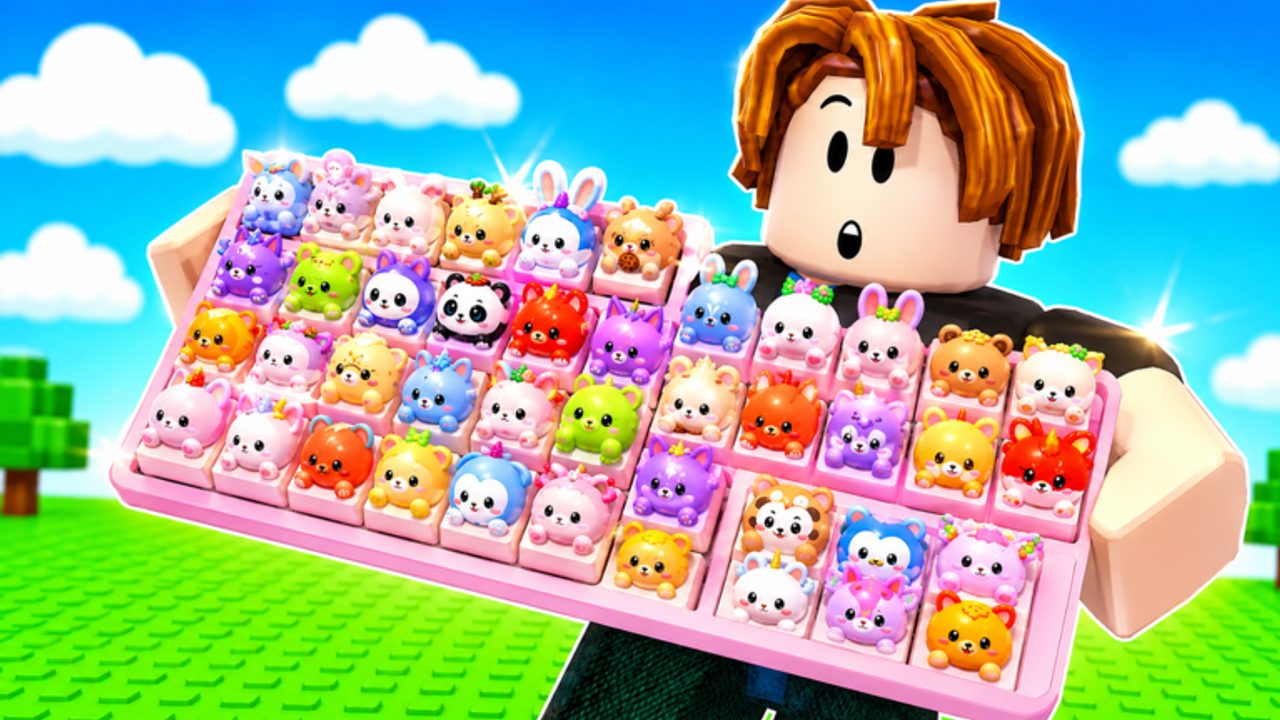
This page is the operator manual for Custom Keyboards scripts. It explains what an executor is, how players attach it to a Roblox client, how they run a GUI, and how they stop when the server misbehaves. It does not give you a script file, a key system, or a store name. If you do not already have an executor from your own research, do not hunt one from a random chat. Random chats steal sessions.
Scripts are optional. Custom Keyboards already supports offline earnings, 4-player trading, codes, and a Boba event. Read the Scripts Hub risk note again: injecting code into Roblox can ban the account that owns your keycaps. If that cost is too high, close this page and use Getting Started instead.
What an executor is
An executor is a third-party program that injects a Lua environment into the Roblox client. After it attaches, you can run community scripts that draw a GUI with toggles such as auto kick, auto collect, auto sell, auto rebirth, and auto claim Boba. The executor is the dangerous piece. The GUI is just buttons. If the executor asks for your Roblox password, two-factor code, or cookie, it is malware. Close it.
Typical flow, described without vendor steps:
- Close other Roblox windows so only one client will attach.
- Start the executor as an administrator only if your own tool’s documentation requires it. Many fake tools use that prompt to install junk.
- Launch Custom Keyboards and wait until your keyboard plot exists. Attaching during teleport is a common crash.
- Attach or inject. Wait for a success state in the executor, not for a Discord invite.
- Execute the script you already obtained. A GUI should appear in-game.
- Leave every toggle off. Look at the buttons. Confirm they match auto farm and auto kick features, not a universal “steal items” panel.
- Enable the smallest set: usually auto kick, then collect.
If attach fails, do not spam it. Restart Roblox, then the executor, then the game. If execute does nothing, you may be on a patched client or an empty script. Stop there. Do not download a second executor “just to test.”
Toggle hygiene
- Name your locks before auto-sell. Mutated caps and trade bait should never be in the sell-by-rarity pool. See keycap value.
- Disable auto-rebirth before trading.
- Disable auto-claim Boba when the event is over so the character stops pathing to an empty box.
- Do not bind auto-buy to shop packs or the spin wheel.
- Do not enable player-targeting, speed hacks, or teleport-to-others. Those get you reported in a 4-player server immediately.
Run one kick by hand after the GUI loads. If the hand kick works and the auto kick does not, the interval is wrong. If neither works, you attached to the wrong process.
Emergency stop
Memorize a stop order before you AFK:
- Uncheck every toggle in the GUI.
- Destroy or hide the GUI if the script offers a close button.
- Unequip the executor (detach) if the tool supports it.
- Leave the server if the character is still moving.
- If the client is frozen, kill Roblox in the task manager, then change your Roblox password if you typed it anywhere it did not belong.
Stop immediately if you see remote error spam, if other players call you out, if your plot resets, or if Kick a Keyboard staff join. Do not argue in chat. Do not try to “save the farm” for one more rebirth.
Mobile, console, and alts
Most executors are Windows-only. Console cannot inject. Mobile injectors are a malware carnival; this wiki will not walk through them. If you play Custom Keyboards on a phone, stay legit: redeem codes, join group rewards, and use offline earnings.
Alts do not make scripts allowed. They only mean you might lose a second account. Never script on the account that holds your best mutants unless you accept that loss. Trade those pieces to a clean account first using the how to trade rules, or do not script at all.
What this page will never include
- Loadstrings, pastebins, or file mirrors.
- Key-system links or captcha skips.
- Executor download URLs.
- Workarounds for a ban.
- Drop-rate tables.
The Scripts Hub exists because players search for these tools. Documenting the GUI and the risk is enough. If a prompt wants more — a friend add, a group you do not recognize, a Robux gift — you are no longer using a farm script. You are being socially engineered. Close the client, keep your keycaps, and go kick the board yourself.
Frequently Asked Questions
Codes, Kick Power, trading, and Boba answers in one place.
Do I need an executor to play Custom Keyboards?
No. Kick, place, step, trade, and offline earnings all work on a normal Roblox client. Executors are only for people who accept ban risk.
When should I attach the executor?
After your plot has loaded, not during teleport. Then execute, leave toggles off, and test one action by hand.
What is the first toggle to enable?
Auto kick, then collect. Full chains are on auto farm. Never start with auto rebirth.
How do I stop a runaway script?
Uncheck toggles, close the GUI, detach, and leave the server if the character still moves. Kill the Roblox process if the client freezes.
Can I use this on mobile?
This wiki does not support mobile injectors. Play legit on phones: codes, group join, and offline money from placed keycaps.