
Custom Keyboards Tools Hub
Checklists for shop order and trade value. No fake drop-rate calculator.
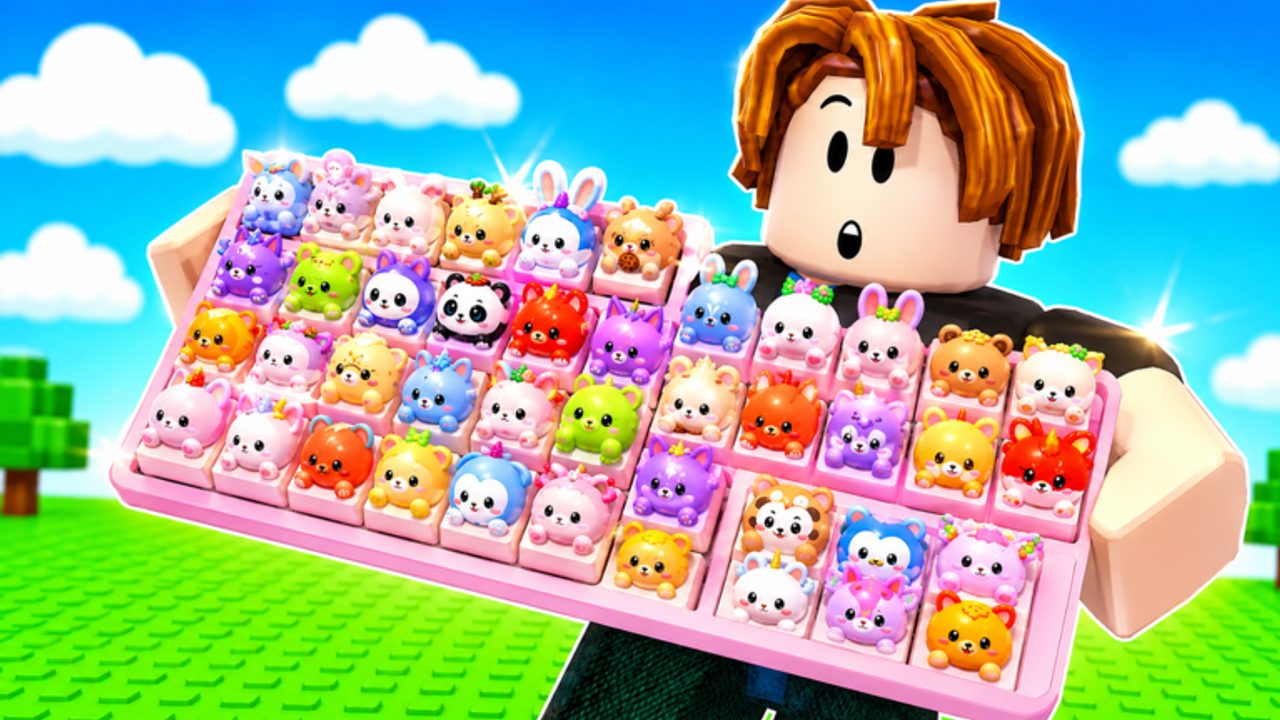
This Tools Hub holds the two planners Custom Keyboards players actually need: what to buy next, and how to talk about a cap in a trade. It does not host an executor. It does not scrape live RAP. It does not pretend we have a drop-rate API. If a site shows a luck percentage for this game, it is guessing.
Child pages:
- Upgrade priority — Kick Power, train speed, slots, station, cosmetics.
- Keycap value — step money, mutations, demand on a 4-player server.
Use them next to best setups, tier list, and how to trade.
Why these are tools, not guides
Guides teach verbs: kick, redeem, rebirth. Tools are checklists you reopen every session. You should be able to glance at upgrade priority while the shop is open and glance at keycap value while the trade window is open. If you need the story of the loop, go to Getting Started.
What we refuse to build
- A numeric odds simulator. No public table exists.
- A script loader. See scripts for risk talk, not a paste box.
- A Robux ROI spreadsheet. Packs are optional and unpublished.
- A cross-game value sheet that mixes this title with keyboard escape or Build a Keyboard.
Honesty is the feature. A short true checklist beats a long fake calculator.
How to use this hub in a session
- Redeem codes.
- Open upgrade priority before you touch the shop.
- Kick and place using how to kick.
- If someone walks up to trade, open keycap value and trading.
- If Boba is live, keep event drops until Boba event quests are done.
- If the shop feels pointless, read rebirth instead of rage-buying a skin plot.
4-player constraint
Every tool assumption includes three other people. Upgrade priority still spends on your plot, not theirs. Keycap value includes demand: a mutant two players want this hour is worth more than a blank high rarity nobody asked for. Tools that ignore the other three players will price things wrong.
Bookmark this hub. Recheck it when updates add a new spend sink. Until the developers publish numbers, your HUD step money is the only calculator that matters. Open this hub at the start of a session, not after you already bought a skin plot. The two child pages are short on purpose so you can read them while a trade window is open. If you need a story, the Guides Hub is next door.
Frequently Asked Questions
Codes, Kick Power, trading, and Boba answers in one place.
Is there a Custom Keyboards drop-rate calculator?
No honest one. Use Kick Power and filters instead. See rare keycaps.
What should I buy first?
Follow upgrade priority. Kick Power before skin plots.
How do I price a trade?
Use keycap value plus the HUD step number. Not RAP from other games.
Do these tools work during Boba?
Yes, with one extra rule: keep quest items. Boba event.
Are scripts tools?
They are third-party cheats and a ban risk. They live on scripts, not in this hub.